
Getting the host components
The components you need to build a hypervisor system are available from the QNX Software Center.
Assuming that you have the right QNX build environment installed on your system
(see Supported build environments
in this chapter), you need to
get only one package from the QNX Software Center to be able to build and run
hypervisor images. You can get other packages if you want to modify
components such as drivers and vdevs that are board-specific.
See the following sections:
When you download these packages, the QNX Software Center will place them in the root directory for the installation you specify (e.g., ~/qnx710/).
- You don't need the guest BSPs to build only the hypervisor host. You can download
them now, or later, when you are ready to build your QNX guests
(see
Building guests
). - If you'll use the HHBSP, you'll need to download it as well (see
The HHBSP framework
).
Downloading the QNX hypervisor product package
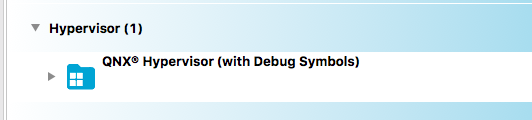
Assuming you don't change the defaults, when you download the package, the QNX Software Center will install the QNX hypervisor to a directory inside the installation root directory you specified for the download; for example, ~/qnx710/target/qnx710/ (Linux) or C:\Users\userid\qnx710 (Windows).
Downloading a board-specific host BSP

To get a board-specifc BSP, simply download the appropriate package and unpack it to a convenient location.